Guide
Nashville food-truck menu and permit checklist
6 min read
A Nashville food-truck menu has to work for a guest in a queue and for an operator assembling the right application documents. Start with the food type, menu description, service location, and dishes you can execute; then check the current Metro guidance for public right-of-way operations, health, wastewater, fire, tax, and site requirements. MenuCrafters can organize the menu and publishing workflow, but it does not issue a permit or decide which approval applies to a site.
Start with the vendor description
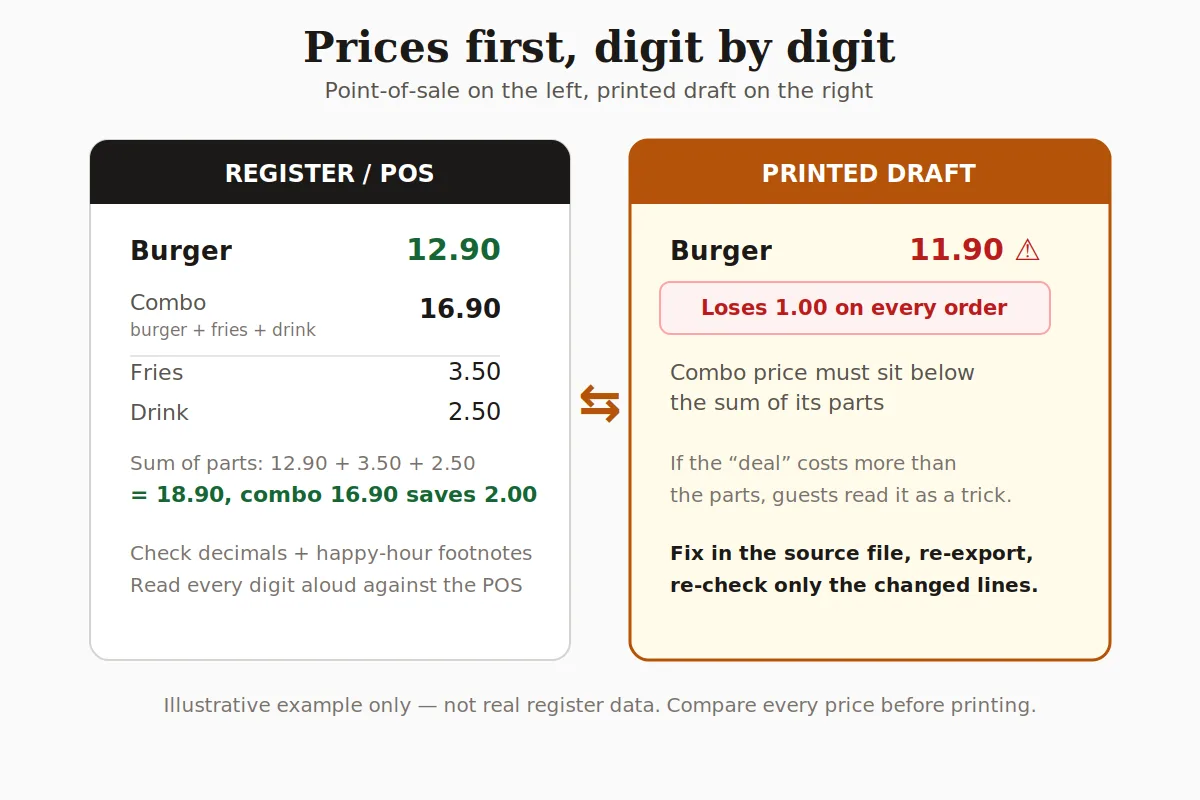
Metro Nashville's mobile-food-vendor guidance asks operators to describe the menu and food type, then assemble the business, health, site, and equipment information required for the application path. Treat that description as an operational brief: name the dishes, service format, preparation limits, serving window, and the prices and dietary notes guests will see. Keep the public-facing menu aligned with the description you submit.
Separate public right-of-way from private property
The current Metro Nashville mobile-food-vendor page describes a pilot for vendors operating on public right-of-way; it does not mean the same path covers every private-property operation. Confirm the location, site owner, service model, and agencies involved before you assume a document or permit applies. A food-truck menu can be ready while the site-specific approval work remains separate.
Make the queue easy to read
A Nashville hot-chicken concept might lead with heat level, piece count, side, and a clear ordering sequence; another truck may need a short bowl, taco, or dessert list. Use a familiar local reference as a menu-language prompt, not as proof that a recipe, price, or demand exists for your operation. Put the dish name, portion, price, dietary note, and ordering rule in the same view.
Check the supporting documents
Before you publish the final board, map the operation to the current agency guidance: business and health documents, commissary and wastewater arrangements, fire requirements, tax registration, and any site or layout information. The exact list depends on where and how the truck operates, so keep the official pages as the source for the application rather than copying a generic checklist into a promise.
- Menu and food type: describe what the truck actually serves.
- Commissary and wastewater: document the arrangement required for the operation.
- Health and food protection: check the current environmental-health path.
- Fire and tax: confirm the separate requirements with the relevant agencies.
See: Metro Nashville food protection services, Metro Nashville fire operational permits.
Publish the menu after the site check
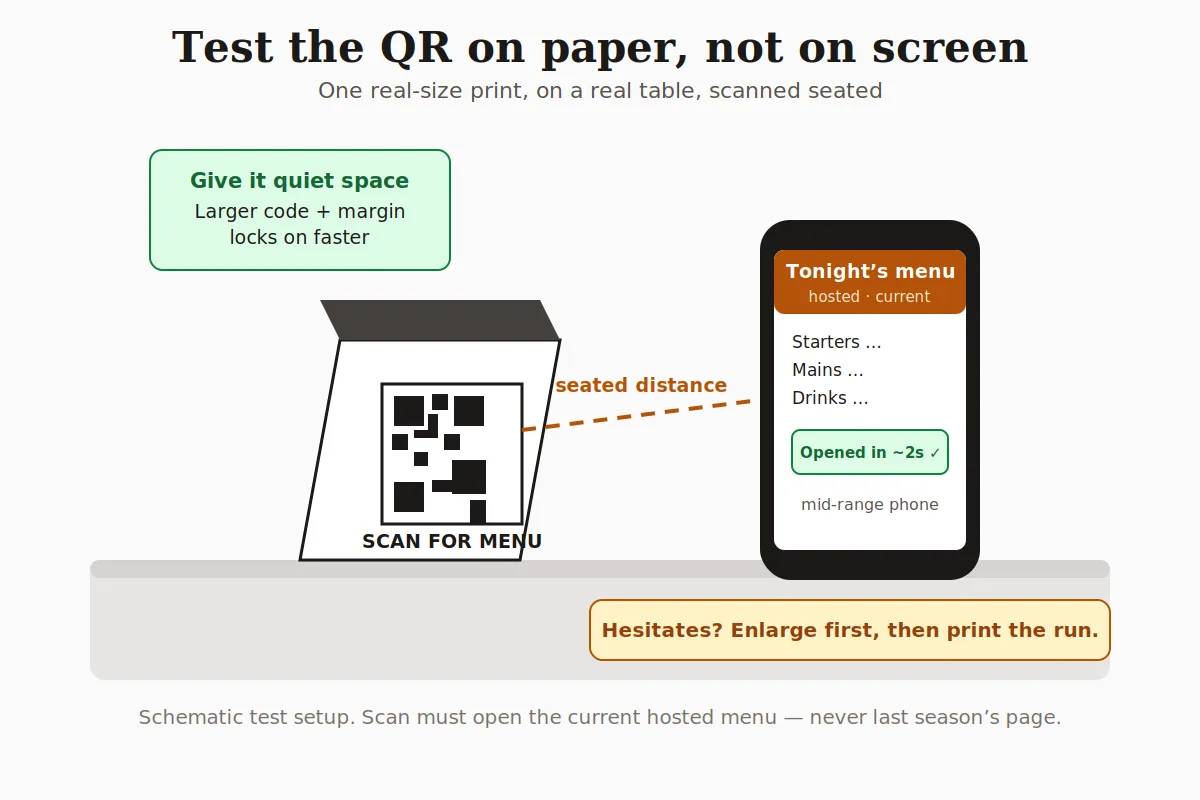
MenuCrafters can turn the checked brief into an editable menu, a hosted QR page, and a print-ready PDF. It cannot issue a permit, certify a commissary, or replace a site-specific agency decision. Verify the final dish names, prices, allergens, availability, and service window before you put the QR code on the truck. Build a Nashville food-truck menu.
Quick steps
- 1
Describe the operation
Write the food type, menu, service format, location, portions, prices, and dietary notes the truck can actually execute.
- 2
Check the site path
Separate public right-of-way guidance from private-property questions and confirm the agencies involved.
- 3
Map the documents
Review health, commissary, wastewater, fire, tax, and layout requirements from the current official pages.
- 4
Publish after verification
Edit the menu, test the QR and PDF, and re-check names, prices, allergens, availability, and service window.
Frequently asked questions
- Does the Nashville mobile-food-vendor page cover every food truck?
- No. The current page describes a public-right-of-way pilot and its listed application materials. Private-property operations and other service models need their own confirmation path with the relevant agencies and site owner.
- What should a Nashville food-truck menu show?
- Show the dishes, portions, prices, dietary notes, service format, and any ordering rules a guest needs in the queue. Keep it consistent with the menu and food-type description used for the operation's current application work.
- Can MenuCrafters handle the permit application?
- No. MenuCrafters can organize supplied menu information and publish a hosted QR page or print-ready PDF. It does not issue permits or decide which health, fire, tax, site, commissary, or wastewater approval applies.