Restaurant Operations · Updated 2026-09-21 · 7 min
Kitchen Print Menus: Designing Tickets and Station Copies That Cut Errors
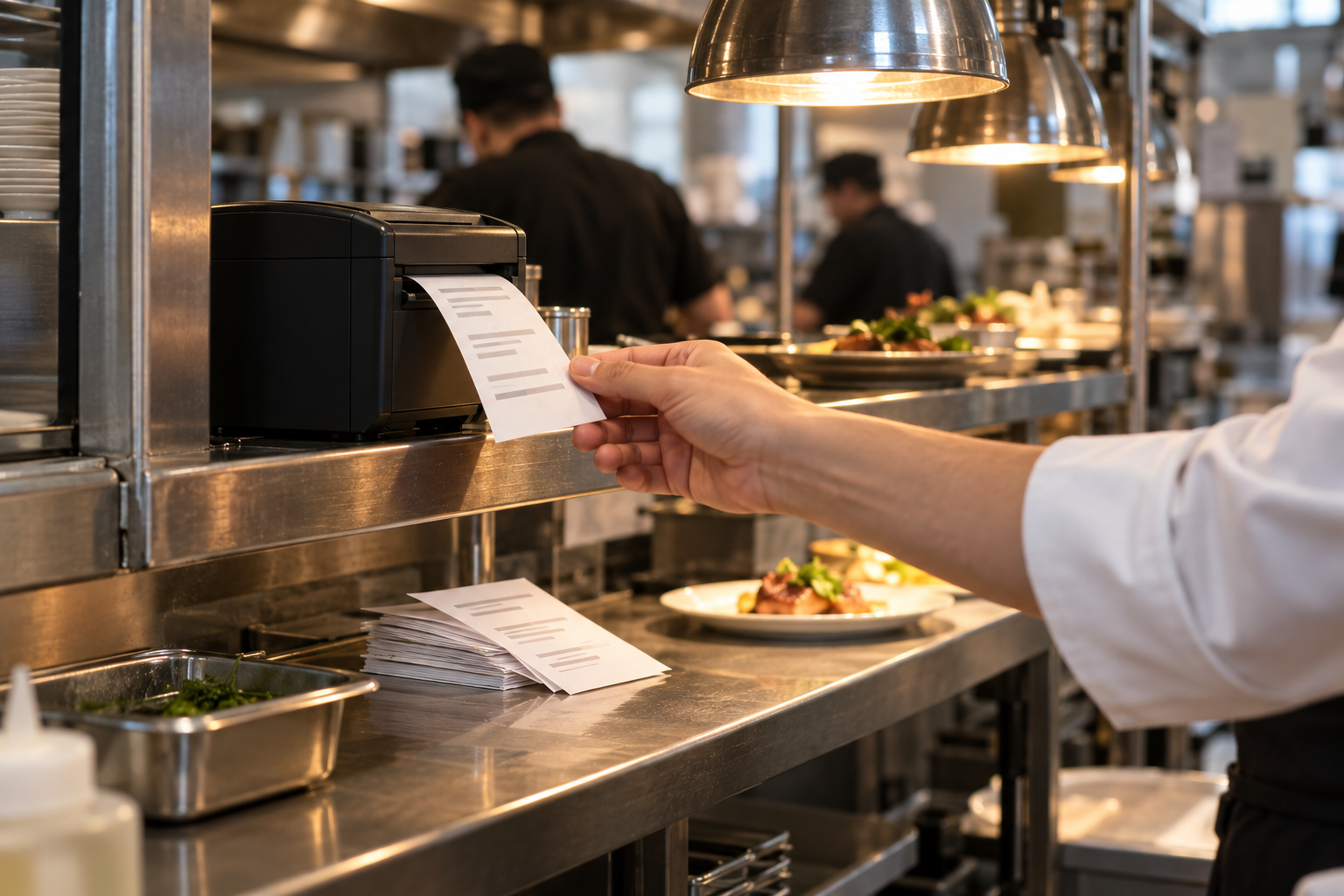
Kitchen print menus are the documents the line actually cooks from: station copies, prep sheets, expo tickets and the ticket the printer spits out during service. They fail for different reasons than a guest menu does. A guest menu is read once, calmly, by someone who can ask a question. A kitchen document is read in seconds, under noise and heat, by someone who is already holding something. Designing them well means reducing what has to be read, standardising how it is written, and making sure a menu change reaches the line before the next service — not after a guest sends a dish back.
Try the menu description generator
Why kitchen documents fail
Most kitchen errors trace back to one of four causes. The document is out of date, so it describes a dish the kitchen no longer makes that way. The ticket is ambiguous, so two people read the same line differently. The information is missing at the moment it is needed — an allergen note that lives on the menu but not on the ticket. Or the volume is too high to read, because every modifier prints in full and the important line is buried in the middle.
None of these are solved by better handwriting or more training alone. They are solved by designing the document around the few seconds it gets.
Station copies and prep sheets
A station copy is the reference for one part of the kitchen: grill, cold side, pastry, bar. It lists what that station makes, in the order the station works, with the components and quantities it needs.
Two rules make station copies useful. First, one station per document — a combined sheet gets ignored in the part that does not apply. Second, the same item name used everywhere: on the guest menu, in the POS, on the station copy and on the ticket. Different names for the same dish are the single most common source of misreads.
Prep sheets work the other way around. They are organised by task and time, not by dish, so the morning team can work through them in sequence. Keep them dated and signed; an undated prep sheet is a rumour.
Ticket fields that prevent misreads
A service ticket has a hard budget: it must be readable at a glance. These fields earn their space.
Everything else is optional. Special requests should print as free text but be visually separated, so the line can see that a human wrote something unusual.
- **Item name in a consistent position.** Same place on every line, so the eye knows where to land.
- **Quantity first, clearly separated.** A leading number is easier to catch than a trailing one.
- **Modifiers grouped under their parent item.** Never let an add-on float to a line where it could belong to two dishes.
- **Allergen and dietary flags in a fixed position with a fixed symbol.** The same symbol every time, printed where the eye already goes.
- **Table or order identifier and time.** Needed for expo and for anyone reconstructing what happened.
- **Course or fire time.** If you hold courses, the ticket should say when the dish is wanted, not only what it is.
Abbreviations and modifiers
Abbreviations save space and cost clarity. Use a written, shared list and keep it short — a page on the wall, not a folder in an office.
- **Choose abbreviations that cannot be confused with each other,** and never abbreviate two different modifiers to the same letters.
- **Group modifiers by type:** removals, additions, cooking instructions and allergies.
- **Print removals so they cannot be misread as additions** — a consistent prefix or a distinct marker — because "no onions" and "add onions" differ by three characters.
- **Print modifiers in a fixed order** where your POS allows it, rather than the order the server tapped them, because a predictable sequence is easier to scan than a random one.
Sold-out handling during service
Sold-out items are a design problem, not just a communication problem. Decide in advance how the kitchen signals a sold-out dish and how that signal reaches the floor and the guest-facing menu.
The reliable sequence is short: the station tells the expo or the manager, the manager marks the item unavailable in the till, and the hosted menu is updated so the guest-facing version matches. If the hosted menu cannot be updated instantly, the floor needs a script — and the printed menu needs a way to mark the item without looking damaged.
Never let a sold-out item keep printing as orderable for the rest of the service. The second order for a dish you cannot make costs more than the first.
Keeping kitchen documents aligned with the guest menu
Every menu change creates two documents to update: the guest-facing menu and the kitchen-facing one. They must change together.
A simple discipline works. One person owns the change. The change gets a date. The station copies and prep sheets are reprinted or re-marked before the next service, not during it. The old copies are removed from the pass rather than left on the shelf, because an old sheet within reach will eventually be used.
If you keep a hosted menu, it becomes the reference for the change: the same edit that updates the guest page tells the kitchen what changed. The MenuCrafters AI menu builder keeps the menu you edit as the source for the hosted QR page and the print-ready PDF, so the line and the dining room are working from the same item names.
Worked example: a grill station copy
The layout below is illustrative.
A grill station copy lists eleven dishes in the order the station works: four steaks, two chicken dishes, three burgers, one fish, one vegetable main. Each line has the item name, the cooking spec, the included sides, and a short allergen flag column. Modifiers are listed beneath each item in a fixed order: cooking temperature, removals, additions, allergies.
The previous version had twenty-six lines, because it included every dish the restaurant serves and every possible modifier in full sentences. The station had stopped reading it and was working from memory, which is why two dishes were repeatedly sent with the wrong side.
The rework cuts the sheet to the station's own items, moves the allergen flags to a fixed column, and prints modifiers as short, standardised marks. Nothing about the food changes; only what the line has to read changes.
Limitations and assumptions
This guidance assumes you have a printer or a system that can produce consistent tickets and station copies, and that the kitchen can read the printed language. It assumes item names are already standardised across the POS and the menu; where they are not, fixing names comes first. Printer hardware, paper width, character sets and language differences all constrain what a ticket can show, and a kitchen that works in more than one language needs a symbol system agreed by everyone. Peak-hour behaviour cannot be fully designed away: the document can only reduce the chances of a misread, not eliminate them.
FAQ
How often should station copies be reprinted?
Whenever a dish, portion, component or allergen changes, and otherwise on a fixed cycle such as the start of each season. Date every copy so anyone can see how old it is. If a station copy has no date and no owner, assume it is out of date.
Should allergen information be on the ticket or only on the menu?
Both, in different forms. The kitchen needs a flag on the ticket so the dish is made correctly, and the guest menu needs the full statement the restaurant has approved. The ticket flag is an operational signal, not a legal disclosure, and the two must never contradict each other.
What if the kitchen works in more than one language?
Use a fixed symbol system for the items that must never be misread — allergens, removals, cooking temperatures — and keep the written language to item names that everyone has agreed on. Print a legend at the top of each station copy so a new team member can decode it in the first shift rather than the first mistake.
Build your menu
Turn the ideas in this guide into a hosted QR and print menu with MenuCrafters.