Restaurant Operations · Updated 2026-07-31 · 10 min
Restaurant Menu Price Display: Clear Choices Without Pricing Tricks
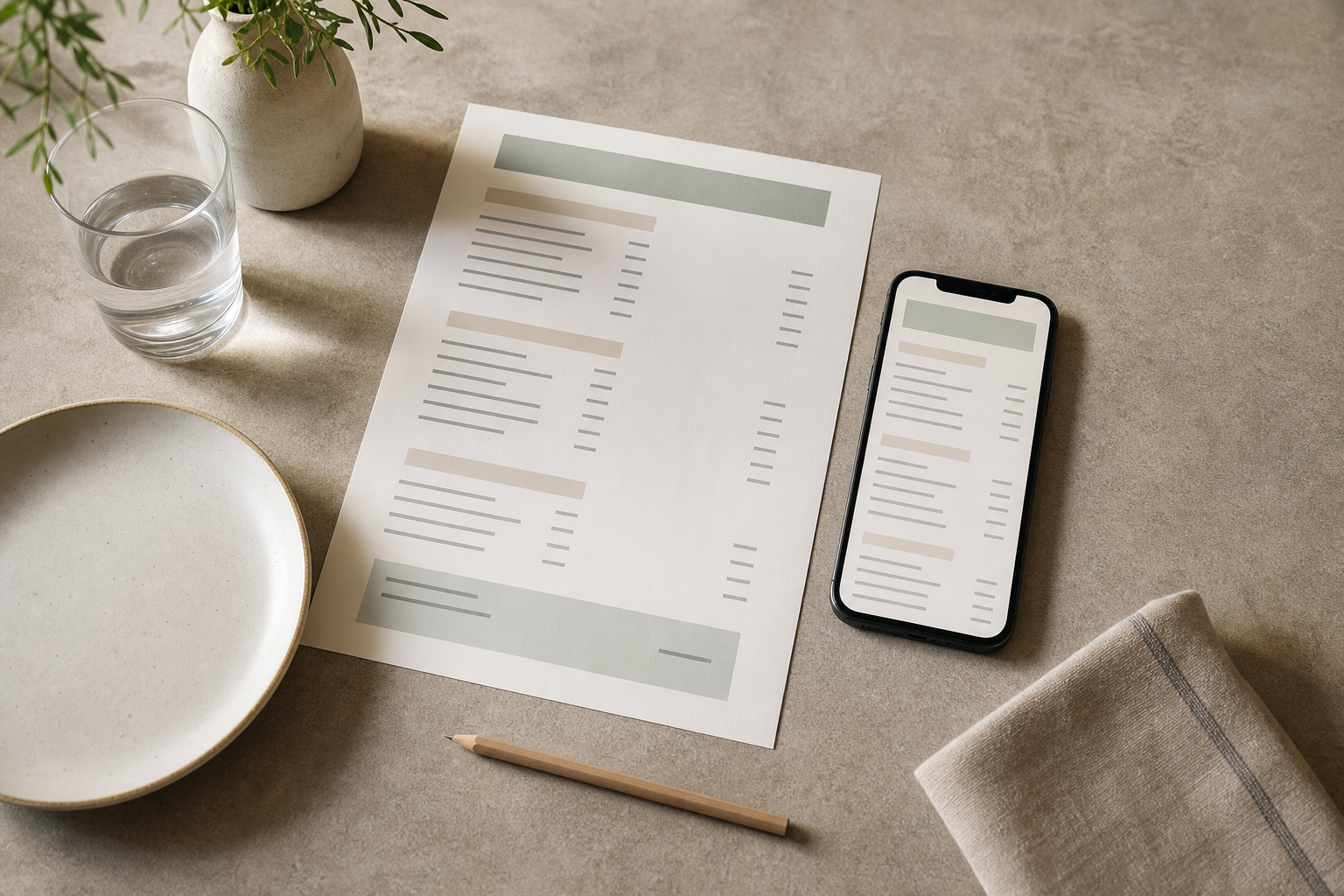
Restaurant menu price display should let a guest answer three questions without hunting: what is the base price, what does it include, and what will an optional change cost? Use one consistent currency format, keep each price visually attached to its item, and disclose paid modifiers, size differences and applicable charges before the guest orders. Then inspect the same item on a phone and at its printed size. The aim is not to make one choice look irresistible; it is to make every reasonable choice comparable, readable and honest.
Try the menu description generator
A useful framework: the Price Clarity Chain
A price display works when a guest can follow a short chain from item to total expectation. Audit the chain in this order:
1. **Identify.** Can the guest tell which name, description and price belong together? A list may use a shared price column; a card may keep the price beside the item name. Do not let long descriptions or decorative rules create doubt about the pairing. 2. **Interpret.** Is the number expressed in a familiar local currency format? Choose a convention—such as whole amounts or amounts with decimals—and apply it throughout comparable sections. If a charge is not included, state that where the price is encountered, not only in a distant note. 3. **Compare.** Can guests compare sizes, bundles or similar dishes without doing arithmetic or searching for an exception? Put size labels beside their prices and show the contents of a bundle in plain language. 4. **Qualify.** Does anything change the base price? Separate included choices from paid upgrades, identify substitution charges, and state minimum quantities or sharing rules where they apply. A modifier should never look included merely because it is printed in the same line. 5. **Access.** Can the information survive different viewing conditions? Check contrast, type size, spacing, reading order, zoom and whether meaning depends on colour, weight or position. A QR menu and a paper menu need different checks, even when they use the same source content. 6. **Reconcile.** Do the QR/mobile and print versions show the same current item, price, inclusions and availability? Before service, compare the two views item by item. If one format is intentionally different, label the difference rather than leaving staff or guests to infer it.
This chain is more useful than treating “psychology” as a set of tricks. It gives an editor or operator an observable question at each stage: find the item, understand the number, compare the options, disclose the conditions, access the information, then reconcile versions.
Decide the display pattern before styling
Start with the menu structure, not with font effects. Use this matrix for each price family; record the reason for the choice in your content checklist.
| Menu situation | Default display decision | Required disclosure | Check before publishing | |---|---|---|---| | Linear list of comparable dishes | Keep names, descriptions and prices in a predictable row or column; a right-aligned price column can suit a list | Currency convention and any excluded charge | Can the eye connect the last description to the correct number? | | Card or tile layout | Keep the price close to the item name rather than sending it across a wide card | What the base item includes | Does a long description push the price away or into another card? | | Bundle or set | Give the bundle a specific name, total price and component list | Exclusions, minimum quantity and sharing conditions where relevant | Can a guest understand the option without calculating its contents? | | Modifier or upgrade | Show the base price first; place each paid increment beside its option | Included choices, upgrade cost and substitution rules | Is an optional cost visually distinguishable from the base price? | | Multiple sizes | Use familiar labels in a consistent order, with one price next to each label | Portion, ingredient or serving-format differences | Is each size necessary, and are the differences understandable? | | Tax, service, delivery or packaging charge | Use a prominent, plain-language note near the affected price | Whether the amount is included, excluded or conditional | Is the wording accurate for the operation and jurisdiction? | | QR/mobile version | Prioritise logical reading order, zoom-friendly type and close item-price relationships | Any channel-specific difference from print | Can a guest read the item and price without relying on colour or hover? | | Printed version | Check actual print size, contrast, spacing and typical lighting | Any details that cannot be carried by a symbol or colour | Does the proof remain legible away from a bright screen? |
The matrix is a decision aid, not a design law. If a format needs an exception, explain the exception in the menu content and carry it consistently across the relevant versions.
Example: a localised item across QR and print
Consider a fictional menu item used only to demonstrate the method: **Roast vegetable flatbread — 14**. The currency symbol and charge wording should be replaced with the restaurant’s actual local convention; the numbers here are illustrative, not a pricing recommendation.
**Before audit (ambiguous):**
> ROAST VEGETABLE FLATBREAD 14 / add halloumi +3 / gluten-free +2 > Choose small or large. Service charge may apply.
This line leaves several questions open. Is 14 the only size? Is halloumi included or optional? Is the gluten-free change a substitution or an additional product? What are the small and large prices? “May apply” does not tell the guest when or how the charge is handled.
**After audit (same fictional facts, organised):**
> **Roast vegetable flatbread — 14** > Grilled courgette, peppers and herbs. One regular flatbread. > **Size:** small 11 | regular 14 | large 17 > **Included:** standard flatbread. **Optional:** halloumi +3; gluten-free flatbread +2. > Any service charge: see the service note below.
For a QR/mobile menu, keep the item name, base description, size choices and modifier costs in one logical reading sequence. For print, place the three sizes in a compact row only if the type remains legible at the intended physical size. If the operation uses a tax-inclusive or tax-exclusive convention, replace the service note with the verified wording used by that operation. The example demonstrates organisation, not a claim about any particular restaurant’s pricing, fees or guest response.
The five-minute price-display audit
Use this reusable checklist on one section at a time:
Mark each line **clear**, **needs evidence** or **needs repair**. “Needs evidence” is important: it prevents an editor from silently converting an operational assumption into a published fact.
- [ ] Every item has one unmistakable base price.
- [ ] Similar items use the same currency and decimal convention.
- [ ] A price stays visually and logically connected to its item on both formats.
- [ ] Bundle contents and exclusions are stated before ordering.
- [ ] Included modifiers and paid upgrades are labelled separately.
- [ ] Every size has a nearby price and a meaningful explanation where needed.
- [ ] Tax, service, delivery and packaging wording has been checked for this operation and jurisdiction.
- [ ] No essential meaning depends on colour, decorative symbols, font weight or position.
- [ ] Mobile reading order, zoom and small-screen spacing have been reviewed.
- [ ] A printed proof has been checked at its intended size and in plausible lighting.
- [ ] Current price, availability and wording agree across QR and print.
- [ ] Staff can explain an exception without inventing a rule that the menu does not state.
Implementation steps for a live menu
1. **Create a source sheet.** For each item, record the approved name, base price, included components, sizes, modifiers, charges and availability. Leave unknown fields unresolved. 2. **Choose conventions.** Decide the currency notation, decimal treatment, price alignment pattern and language for charges. Apply the choices to comparable sections, not selectively to make one item stand out. 3. **Build the content structure.** Put each item’s name, description, base price and relevant options into a predictable order. Keep optional extras separate from what the base price includes. 4. **Render two views.** Review a phone-sized version and a print proof. Look for line wrapping, orphaned prices, crowded modifiers, missing notes and reading-order problems. 5. **Run the matrix and checklist.** Record exceptions and send unresolved tax, service, allergen, ingredient or operational details to the responsible person for verification. 6. **Reconcile before service.** Compare the current QR/mobile and print outputs. Confirm that a price or availability change has not created a contradiction in another format. 7. **Keep a change routine.** When a price changes, update the source content first, then review both outputs rather than editing an isolated screenshot or paper file.
A single editable source can make this routine easier to manage. MenuCrafters describes an editable menu workflow that can publish a hosted QR link and export a print-ready PDF from the same source; use the [MenuCrafters menu builder](https://menucrafters.com/) only if that workflow fits your operation, and still perform the content and format checks above.
Limitations
Clear display cannot decide the correct price, tax treatment, service-charge policy, allergen statement or legal wording for a restaurant. Those details vary by jurisdiction, venue, service model and recipe, so they require current operational verification. A consistent layout also cannot make an expensive item good value, resolve a confusing recipe, or guarantee that every guest will interpret a choice identically. Mobile and print may need different layouts, and fitting every disclosure into a small card can reduce readability. Finally, this framework is an editorial audit, not a usability study: it provides checks to perform, not measured conversion, satisfaction or revenue outcomes.
FAQ
What is the clearest way to display restaurant menu prices?
Use a consistent format, keep every price close to—or predictably aligned with—its item, and disclose inclusions and paid changes before ordering. Review the result on both mobile and print.
Should a restaurant menu include a currency symbol?
Use the local convention that helps the intended audience understand the number quickly, then apply it consistently. If the operation uses a different established convention, explain it clearly rather than mixing formats.
How should modifiers and add-ons be priced?
Show the base item first, distinguish included options from paid upgrades, and put each additional cost beside the relevant choice. State substitution rules or limits before the guest commits.
Are bundles appropriate for every menu?
No. A bundle is appropriate only when its contents, exclusions and total price are genuinely clear and relevant to the operation. If guests must calculate or infer the value, present the components separately or revise the explanation.
Should every dish have small, regular and large sizes?
No. Add a size tier only when it represents a real operational or guest choice. Give each tier a nearby price and explain a material difference in portion, ingredients or serving format.
What should be checked when a QR and printed menu coexist?
Compare item names, descriptions, prices, modifiers, charges and availability. Then review the QR version for reading order and zoom, and the printed proof for physical size, contrast, spacing and lighting.
Build your menu
Turn the ideas in this guide into a hosted QR and print menu with MenuCrafters.