Restaurant Operations · Updated 2026-09-03 · 16 min
AI Menu Generator 2026: From Dish List to Live Menu
An AI menu generator in 2026 is best understood as an editable restaurant-menu workflow: it can turn a structured dish list into proposed categories and descriptions, then help prepare a hosted menu and a print file. It should not be treated as the authority for prices, ingredients, allergen information or availability. The person who owns the recipe and service information must check those fields before release. The practical sequence is: prepare the dish list, draft structure and copy, verify every source-sensitive field, inspect the mobile/QR and print versions, then publish or export. This is the useful answer behind “AI Menu Generator 2026”: moving from rough menu data to one controlled, guest-facing version without confusing a writing draft with a released menu.
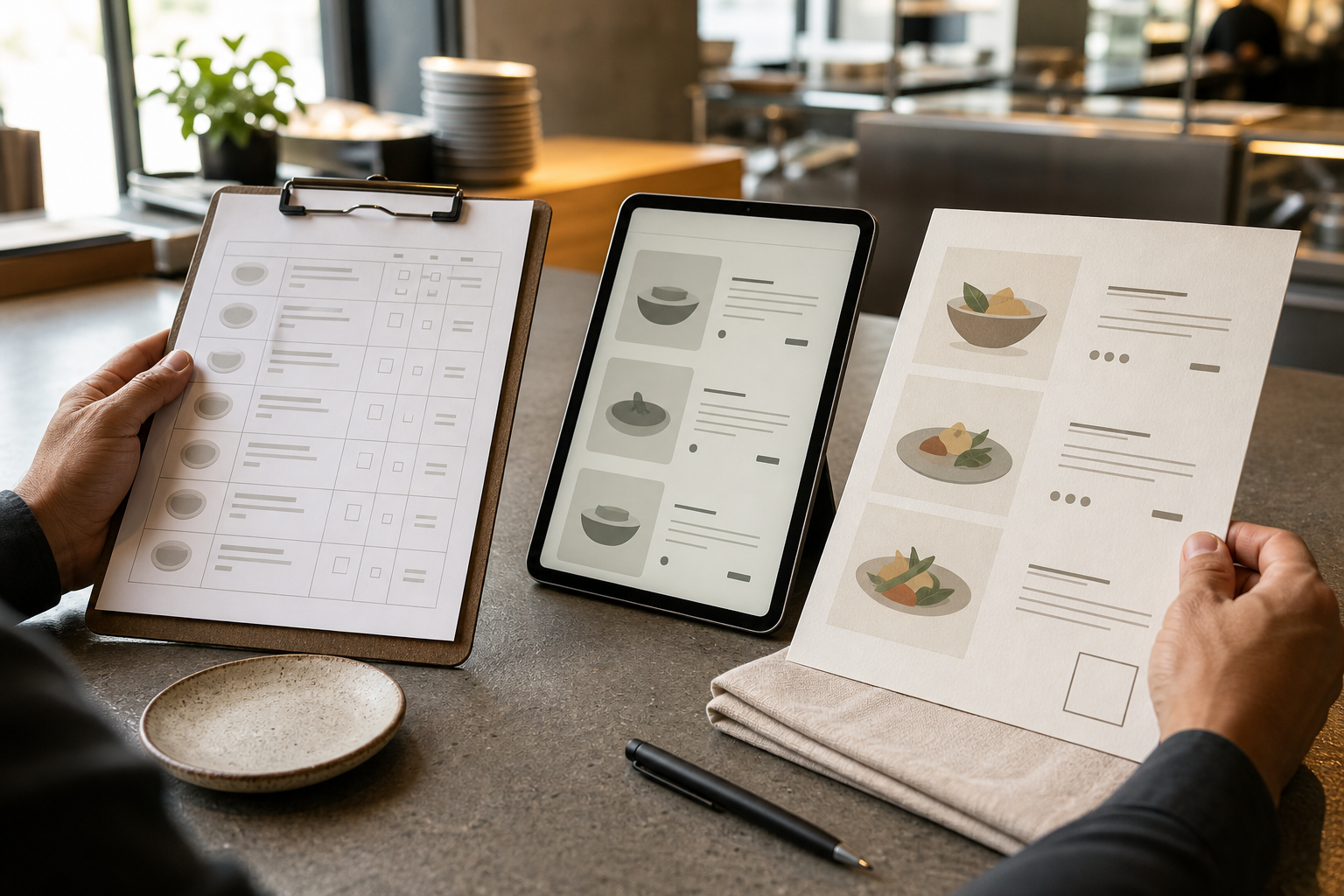
Try the menu description generator
What an AI menu generator should produce
A description tool returns prose. A useful menu generator supports a larger handoff: it gives each dish a place, a name, a description, a price, any required ingredient or allergen information, an availability state and a visual treatment. The final record can then be checked in the places guests will actually use it.
That distinction matters because a menu has several kinds of truth:
The supplied MenuCrafters public homepage signal describes an editable menu with structured sections, dish descriptions, a hosted QR link and a print-ready PDF. It also says that owners can refine prices, wording, branding and availability. Those are the first-party product details used here; they describe editing and output paths, not approval of the underlying restaurant data. (Source: `PUBLIC_SITE_SIGNALS.json`, homepage signal, collected 2026-08-03.)
A practical test is simple: if the output is only a set of polished paragraphs, it is not yet a released menu. If it has a clear structure, named owners for sensitive fields, a review record and channel checks, it is ready for a controlled publishing decision.
- **Operational truth:** what the kitchen can serve, in which service, and at what approved price.
- **Food information:** the ingredients and allergen details supported by the current recipe and supplier information.
- **Guest-facing language:** a concise description that is appealing without adding unconfirmed detail.
- **Presentation truth:** the same current information remains legible on a phone, through a QR destination and in print.
The DISH-to-LIVE release framework
Use two linked passes. The first turns raw information into a reviewable menu. The second checks whether that menu is fit for its channels. The framework is deliberately conservative where an omission could mislead a guest.
DISH: build a reviewable draft.
**D — Define the inputs.** Put one dish per row rather than pasting an unstructured block of copy. Capture the exact dish name, approved price, ingredients or allergen record, availability and any brand or service notes. Leave a field blank when the source is blank; do not fill the gap with a plausible guess.
**I — Inspect the structure.** Ask the AI to propose categories and order only from the supplied list. Review whether the grouping makes sense for the service and whether any item has been duplicated, renamed or placed in a category that changes its meaning. Structure is an editorial decision, not a fact to accept automatically.
**S — Source the sensitive fields.** For each price, recipe detail, allergen statement and availability note, record where the value came from and who can approve it. A source can be a current recipe sheet, an approved price list, a supplier label or the manager’s service brief. If no source exists, set the row to **Hold**.
**H — Humanise the copy.** Edit descriptions for the restaurant’s voice and the guest’s decision. Keep preparation, ingredients and dietary wording within the supplied facts. Remove invented provenance, health language, superlatives and promises that the source material cannot support.
LIVE: clear the release gates.
**L — Layout-check the menu.** Review category hierarchy, order, spacing, type size, contrast and line breaks. Check that a dish name is not separated from its price or essential note.
**I — Inspect each channel.** Open the hosted destination on a phone and scan the printed QR proof with a phone. Then inspect the PDF at its intended print size. A menu can be factually correct and still fail when a heading is clipped, a note is too small or a QR code leads to an old version.
**V — Version the release.** Record an internal version label, the approving person and the service context. The label is for handover and auditability; it need not be shown to guests. When one field changes, mark the affected rows for review rather than silently editing a finished export.
**E — Export or publish.** Release only the rows and channels that have passed their gates. Keep the source record with the published version so the next price, availability or design change starts from the same controlled information.
This framework separates a useful AI draft from an operational decision. It also makes the workflow reusable: the same row checks apply to a launch menu, a seasonal change or a single unavailable dish.
Release-gate worksheet: the seven fields
Copy this table into a working document or spreadsheet. The role labels are a practical starting point; replace them with the actual owner in your operation.
| Menu element | Verification source and owner | Human check before release | Hosted QR/mobile check | Print-PDF check | |---|---|---|---|---| | **Category** | Approved menu plan; chef or menu owner | Every dish belongs in the intended section and the order supports the service | Section headings are easy to find and the sequence is sensible on a phone | Heading hierarchy, spacing and page breaks remain clear | | **Dish name** | Current POS or approved dish register; chef or manager | Spelling, casing and identity match the item guests will receive | Name remains distinct when viewed at a narrow width | Name does not wrap awkwardly or separate from its price | | **Description** | Confirmed recipe and house style; chef plus menu editor | Only supplied preparation and ingredients appear; tone is clear | It is readable without excessive scrolling and does not hide key notes | Line length, punctuation and spacing remain comfortable at print size | | **Price** | Approved price list or POS; price owner | Currency, decimal treatment, modifiers and service notes match the approved value | Price is visible beside the correct item and not lost in a long description | Price alignment and contrast work in the PDF; edition is identifiable internally | | **Allergen or ingredient facts** | Current recipe, supplier label or allergen register; chef or food-information owner | Reconcile the recipe and supplier information; do not infer from a dish name | Symbols, labels and any legend are readable on a phone | Legend, notes and contrast survive export; no note is clipped | | **Availability** | Service plan, stock status or manager’s brief; service manager | Confirm the item is offered for this service and remove or mark stale items | The live version reflects the current service state | A dated or edition-controlled print copy cannot quietly outlive the change | | **Branding** | Approved brand guide or owner direction; brand owner | Colour, type, template and supplied marks are used consistently | Contrast, hierarchy and spacing support quick reading | Colour, trim, page size and margins are checked in the exported PDF |
Treat a blank source, an unresolved owner or a failed channel check as a **Hold**, not as permission for the AI to improvise. The worksheet is a release gate rather than a score: a row is ready when its source is known, its owner has checked it and the relevant guest-facing versions have passed inspection.
Decision matrix for the handoff.
| Result | Decision | Next action | |---|---|---| | Source confirmed, owner approved, mobile/QR and print checks passed | **Release** | Record the version and publish or export the approved channels | | Structure and wording are acceptable, but a price, recipe detail, allergen note or availability value is missing | **Hold** | Return the row to the named owner; retain `[VERIFY]` until evidence arrives | | Hosted version is current but the print proof is not | **Digital-only hold** | Do not distribute the print file; correct and recheck the PDF | | Print proof is clear but the hosted destination shows an older menu | **Release hold** | Reconcile the source and hosted version before sharing either channel | | Description is attractive but includes an unsupported ingredient, origin or dietary statement | **Copy hold** | Remove the unsupported wording and repeat the human copy check |
Example: an illustrative seasonal menu release gate
The restaurant, dish, price, ingredient and service details below are explicitly illustrative inputs created to show how the worksheet works. They are not MenuCrafters facts, customer information or evidence of a published result.
An illustrative manager supplies this row for a weekend dinner update:
The AI drafting instruction is allowed to propose a short description from those inputs, for example: “Charred aubergine with tahini and herbs.” That sentence is still a draft. It is not evidence that the recipe contains only those ingredients, that tahini is the correct allergen declaration, or that the price and service window are approved.
The release-gate record would look like this:
| Field | Current state | Owner action | Gate | |---|---|---|---| | Category | “Small plates” is proposed | Chef confirms the section and service order | Hold until confirmed | | Dish name | “Charred aubergine” is copied from the illustrative brief | Chef or manager checks it against the current dish register | Hold until matched | | Description | One-sentence draft uses only the illustrative ingredient note | Chef confirms preparation; menu editor removes anything not supported | Hold until source and wording agree | | Price | €14 is labelled illustrative | Price owner confirms the currency and approved value | Hold until approved | | Allergen/ingredient facts | Tahini suggests a check is needed; no declaration is assumed | Food-information owner checks the recipe and current supplier information | Hold until checked | | Availability | Friday–Sunday dinner is labelled illustrative | Service manager confirms the actual service and stock position | Hold until checked | | Branding | Warm editorial direction is supplied | Brand owner checks template, contrast and spacing in both channels | Hold until the proofs pass |
The correct decision at this point is **Hold**. The menu editor can keep the category and description draft, but cannot turn the missing checks into confident guest-facing text. Once the responsible owners confirm the fields, the editor can run the mobile/QR and print checks, record the version and release the approved item. The same logic works when the change is smaller: if only the price changes, recheck the price row and both affected outputs rather than rebuilding every description.
- **Category:** Small plates
- **Dish name:** Charred aubergine
- **Draft ingredient note:** aubergine, tahini and herbs
- **Illustrative price:** €14
- **Illustrative availability:** dinner service, Friday to Sunday
- **Brand direction:** warm editorial layout with a restrained accent colour
Implementation: a repeatable path from list to release
1. Start with a structured source list.
Create one row for each item. Use separate fields for category, name, description input, price, ingredients or allergen information, availability and branding notes. Include a source and owner column. This prevents a single paragraph from hiding which values are facts and which are editorial suggestions.
2. Mark uncertainty before using AI.
Use a visible marker such as `[VERIFY]` for missing or changing fields. Do not give the model a blank field and then accept a fluent completion. An explicit marker turns uncertainty into a task for a person.
A reusable instruction is:
> Use only the supplied fields. If a field is blank or marked `[VERIFY]`, keep `[VERIFY]` and do not fill it. Propose categories and draft descriptions, but do not infer prices, ingredients, allergens, dietary status, availability, provenance or preparation. Preserve dish names and units. Return one row per dish with category, name, description draft, price, ingredient/allergen field, availability, source, owner and review status.
This instruction is a guardrail, not a substitute for checking the returned text.
3. Ask for structure before style.
First review category order, duplicates, missing items and dish-name changes. Only then refine descriptions and branding. If style comes first, a polished sentence can make an unverified field feel settled.
4. Route each field to an owner.
The chef or recipe owner should review preparation and ingredient wording. The person who controls prices should review prices and modifiers. The service manager should confirm availability. The brand owner should approve the visual treatment. One person may hold several roles, but the worksheet should still name the responsibility.
5. Assemble the editable source.
Keep the approved rows together rather than maintaining a separate “QR version”, “print version” and message-app copy. When the system supports an editable menu, use that single approved record as the starting point for the guest-facing versions. The supplied MenuCrafters homepage signal describes this type of workflow: an editable menu can be structured, refined and carried to a hosted QR link and print-ready PDF. (Source: `PUBLIC_SITE_SIGNALS.json`, homepage signal, collected 2026-08-03.)
6. Perform channel checks as a guest would.
For mobile and QR, check the scan, destination, loading state, section navigation, text size, price placement and any ingredient or allergen note. For print, check the PDF at the intended page size, margins, line wrapping, contrast, QR placement and whether the printed edition can be distinguished from an older one. Ask someone who did not edit the menu to perform a fresh read; this is a workflow recommendation, not a claim about a test result.
7. Record the release decision.
For every held row, record the missing evidence and the owner who must supply it. For every released row, record the version and channels checked. A short log makes the next update faster without hiding what changed.
8. Choose the publishing route only after approval.
If you want to apply this process in the product described by the supplied first-party signal, [MenuCrafters](https://menucrafters.com/) presents an editable menu workflow with hosted QR and print outputs. Bring the completed worksheet to the drafting stage, then treat the product’s output as a release candidate until your own owners complete the checks above. (Source: `PUBLIC_SITE_SIGNALS.json`, homepage signal, collected 2026-08-03.)
Limitations: where the workflow stops
- **AI drafts are not source records.** A fluent description cannot confirm a recipe, supplier label, allergen statement, price or availability. Those fields need the responsible human and a current source.
- **A single editable source can still contain a wrong value.** Keeping mobile, QR and print outputs together reduces avoidable divergence, but it does not repair an incorrect price or outdated recipe information.
- **A QR menu and a printed menu have different failure points.** A hosted destination can be updated, while paper already distributed remains unchanged. A QR check also needs a usable destination and a guest who can access it; keep an appropriate assisted or printed route for your service context.
- **Presentation is not the same as accessibility or compliance.** Small type, weak contrast, ambiguous symbols and incomplete local disclosures can create problems even when the layout looks polished. No jurisdiction-specific legal advice is supplied here because no location or regulatory source was provided.
- **Product details change.** The MenuCrafters statements cited above are public signals collected on 2026-08-03. Recheck the current first-party page before publication if a feature, output format or commercial term matters to your decision.
- **This workflow does not establish a business result.** The planning evidence reports no recorded impressions or clicks for the existing page, but that does not support a forecast about readership, bookings or revenue. The purpose of this article is to improve the menu-production decision, not to promise an effect beyond it.
FAQ
What is an AI menu generator?
It is a tool or workflow that uses AI to propose menu structure and wording from restaurant inputs. For useful restaurant work, the output should remain editable and should be checked before it becomes a guest-facing menu. A paragraph generator alone does not handle the full release process.
What should I give an AI menu generator?
Start with one row per dish and supply the category, exact name, approved price, confirmed ingredients or allergen information, availability and any brand direction you already know. Add a source and an owner for each sensitive field. Mark missing information as `[VERIFY]` instead of asking the AI to complete it.
Can AI write dish descriptions?
It can produce a draft from supplied facts. Review every sentence against the recipe and house style, and remove any ingredient, preparation method, origin or dietary wording that is not supported. Keep the approved description separate from the initial draft until that check is complete.
Should the QR menu and PDF be built separately?
Use one approved source wherever the publishing system allows it, then inspect each channel separately. The QR destination needs a real scan and phone review; the PDF needs a print-size review. One source does not remove the need for two channel checks.
What happens when one dish changes?
Update the source row, identify the affected owner, and repeat the relevant factual and channel checks. If the change affects price, availability, a food-information note or layout, do not assume that an earlier approval still covers the new version.
Is an AI-generated first draft ready to publish?
No. Treat it as a release candidate. It becomes publishable only when the source-sensitive fields are confirmed, the description has been edited, the owner has approved the row and the hosted/mobile and print checks have passed for the intended channels.
What is the next practical step?
Build the seven-field worksheet before opening a generator. Once every row has a source, an owner and a review state, the AI can help with organisation and wording without becoming the keeper of facts. That is the difference between generating menu copy and releasing a menu that the team can maintain.
Build your menu
Turn the ideas in this guide into a hosted QR and print menu with MenuCrafters.