Restaurant Operations · Updated 2026-08-02 · 15 min
AI Menu Design Software for Restaurants in 2026
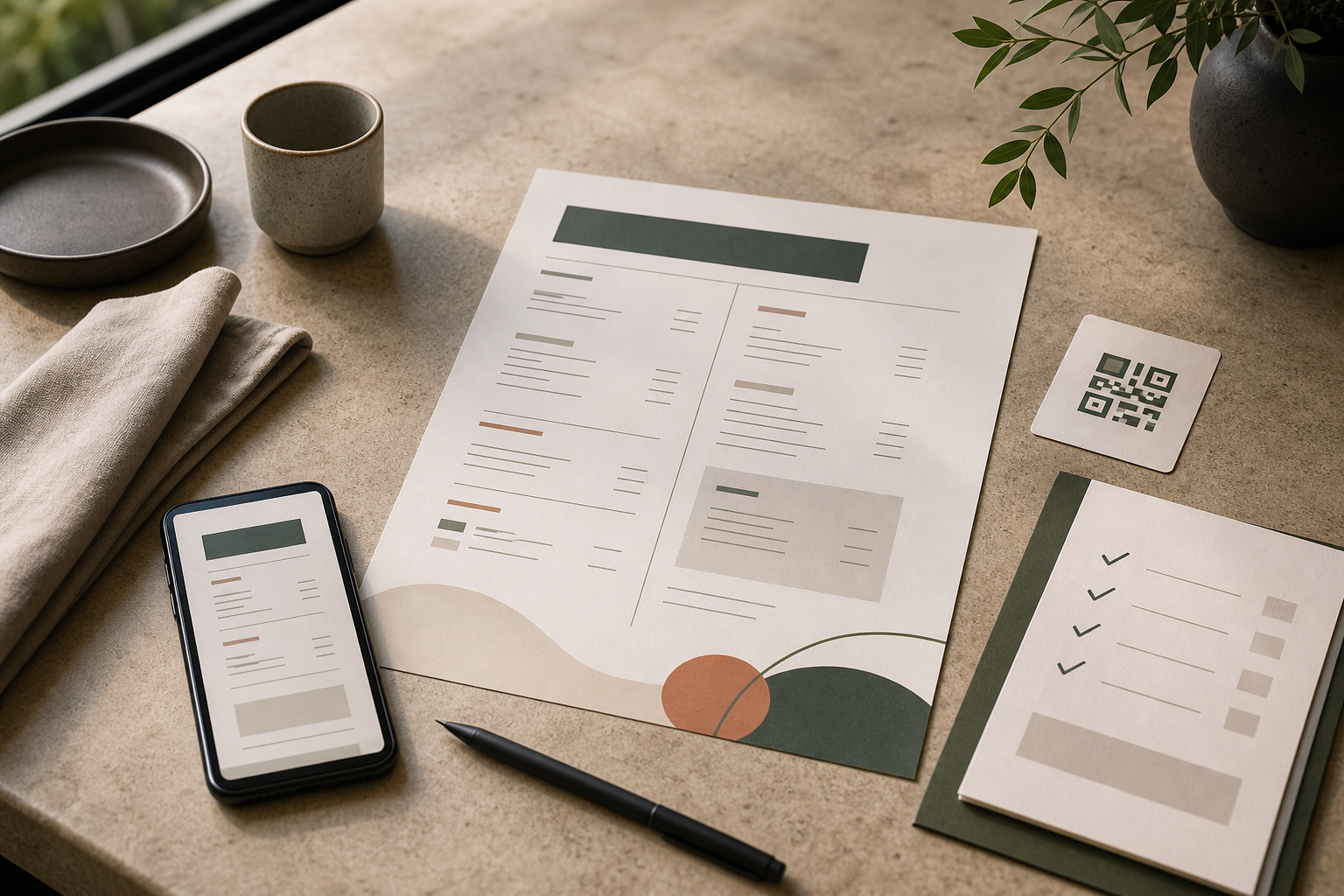
AI menu design software in 2026 is most useful when it connects three jobs: turning a structured dish list into an editable layout, keeping the menu readable on a phone reached through a QR code, and keeping the same current content aligned with print. Judge a tool by whether you can verify every item, change a price or availability status once, inspect the mobile view, and export a print version without losing hierarchy. A suitable system supports the operator’s decisions; it does not make unverified menu facts authoritative.
Try the menu description generator
What AI menu design software should actually do
An AI menu generator can be treated as a drafting stage: it may propose categories, item names or descriptions from a brief. AI menu design software has a wider job in this guide. It should help an operator shape a menu that can be read, checked, edited and maintained across the channels guests use.
Use these five responsibilities to separate a useful menu system from a decorative output:
1. **Structure the information.** The tool should give the menu a deliberate order, with sections, dishes, prices and optional supporting details in recognisable relationships. A visually attractive page with no clear route through the choices is not finished. 2. **Keep the source editable.** A price change should be a content edit, not a hunt through flattened images or duplicated design files. The editable source must remain understandable to the person who will maintain it. 3. **Adapt the layout to the channel.** A phone view, a printed page and a QR entry point impose different constraints. Shared content is useful; blindly reusing one canvas is not. 4. **Expose review boundaries.** AI suggestions need a clear status: accepted, needs checking or rejected. Dish facts, ingredients, allergens, dietary labels, prices and availability come from the restaurant’s approved information, not from plausible wording. 5. **Support a repeatable update routine.** The operator should know who changes the menu, who checks it, and what is inspected before publication. A tool cannot supply that ownership by itself.
This is the design-versus-generator distinction worth preserving. Copy can be drafted quickly and still sit inside a weak hierarchy, an unclear price display or a stale QR destination. Treat the AI layer as an accelerator for organised work, not as the decision-maker.
The SCALE framework for evaluating a menu system
The following original five-gate framework gives a restaurant team a practical way to compare workflows without relying on a feature count. A menu passes only when all five gates are usable for the actual service routine.
| Gate | Inspect | Decision question | | --- | --- | --- | | **S — Structure** | Section order, grouping, item sequence and the relationship between each item and its price | Can a guest identify where to start and where each choice belongs? | | **C — Clarity** | Item names, descriptions, price units, modifiers and labels that need verification | Can the operator and guest tell exactly what is being offered and charged? | | **A — Alignment** | Hosted or mobile view, QR destination and intended printed output | Does one approved content set remain recognisable in every channel? | | **L — Lifecycle** | Update owner, change log, approval step and removal of unavailable dishes | Can the team make a controlled change before service without losing track of it? | | **E — Evidence** | Source notes for factual fields and a human review of generated wording | Can every sensitive detail be traced to an approved restaurant input? |
The order matters. Start with Structure before choosing a typeface or accent colour. Check Clarity before polishing descriptions. Check Alignment before sending a PDF to print. Define Lifecycle before handing the editor to several people. Finish with Evidence, because fluent AI language can conceal an unchecked assumption.
A simple scoring rule keeps the conversation concrete: mark each gate Pass, Repair or Not applicable, then record the reason. Do not turn the marks into a market-wide score. They are a go/no-go record for one restaurant, one menu and one publication cycle.
Decision table: choose the operating model
The right operating model depends on the menu’s maintenance pattern, not on the novelty of the software.
| Operating condition | Sensible default | Non-negotiable check | | --- | --- | --- | | Stable menu, one intended paper format and a known designer | A design-led workflow may be sufficient | Inspect the final printed file at its intended size and confirm every item against the approved source | | Frequent changes to price or availability, with guests entering through QR | A hosted, editable menu source | Change one approved field, then inspect the live mobile view, the QR destination and the next print export | | AI draft contains missing ingredients or uncertain descriptions | Use the draft for structure or copy candidates only | Require a source-backed decision for each factual field before publication | | Several people can edit the menu | Define one owner and a review hand-off | Record who approved the change and when the previous version was retired | | Multiple languages, dietary labels or regulated information | Keep the factual source under human control | Reconcile each language and label rather than accepting a fluent translation as proof | | A menu must work on both phone and paper | Use shared content with channel-specific layout checks | Confirm that headings, item names, prices and availability remain legible in both outputs |
If a workflow fails the non-negotiable check, repair the process before adding more visual features. The most useful tool is the one that the responsible person can operate correctly on an ordinary update day.
Audit worksheet: readability and channel consistency
Copy this matrix into a review note for each menu. The right-hand action is deliberately operational: it tells the team what to repair instead of merely describing a preference.
| Audit area | Pass condition | If it does not pass, record this repair | | --- | --- | --- | | Section order | The sequence reflects the restaurant’s intended offer and no section appears without a clear purpose | Move, merge or remove sections; note the owner’s approved order | | Item and price clarity | Every item has a readable name and a clearly associated price or price rule | Rewrite the label, separate the price visually or complete the missing approved field | | Description control | Descriptions use only supplied facts and distinguish an optional suggestion from an approved statement | Replace invented detail with an operator-approved description or leave the field pending | | Mobile scanning | A reviewer can scroll, identify sections and compare an item with its price on an ordinary phone | Shorten dense text, restore spacing or reorder the section; document the device used | | QR destination | The code opens the intended current menu and the destination is recognisable before a guest chooses an item | Replace the destination or code, then repeat the scan from the actual placement | | Print export | The selected paper output keeps hierarchy, item-price association and useful spacing | Adjust the channel layout and review a physical or correctly sized proof | | Update ownership | One named role is responsible for changing, checking and publishing the menu | Assign the role and define the hand-off before editing live content | | Version evidence | The approved source, date of check and changed fields are recorded | Reconcile the live and printed versions, then archive the superseded decision |
The worksheet is intentionally agnostic about fonts, templates and colour palettes. Those choices matter, but they come after the reader can find the offer and the operator can maintain it.
Example: applying SCALE to a seasonal small-plates menu
This is an illustrative worked example, not a customer case or a performance report. The supplied public homepage signal displays a sample menu headed THE TIDE ROOM and includes a seasonal dinner, a SMALL PLATES section, and entries named Charred octopus, Citrus catch and Brown butter prawns with displayed prices. It also shows the labels FROM THE SEA and SWEET FINISH. The example uses only those displayed sample details; all operational decisions below are editorial instructions for an operator to verify.
| SCALE gate | What the sample shows | Decision and next action | | --- | --- | --- | | Structure | The sample uses a dinner context, a small-plates section and additional section labels | Keep the approved section order only if it matches the real offer. Check that each dish is placed under the section the operator intends, rather than adding categories to fill space | | Clarity | Three dish names are paired with displayed prices | Preserve the approved names and prices as source fields. Do not ask AI to infer ingredients, preparation or allergens from a name. Supply an approved description if one is needed | | Alignment | The article’s required channels are mobile or QR and print | Put the same approved item list through a mobile preview, a QR scan and a print proof. A pass means the section, name, price and availability agree; it does not require identical visual geometry | | Lifecycle | A seasonal menu implies that availability may need attention, but the sample does not establish a real operating schedule | Assign an update owner, define the change record and specify what happens when a dish is unavailable. Do not invent a date or service window | | Evidence | The public sample supplies display text, not recipe or allergen evidence | Mark recipe, allergen, dietary and availability fields as pending until the restaurant supplies them. Treat generated copy as a proposal until checked |
The resulting decision is conditional: the menu can move to production only after the operator confirms the facts, approves the section order, and completes the three-channel inspection. The sample makes the audit tangible without pretending that a public mock-up is proof of how a real restaurant operates.
A suitable note for the review record would be: *Structure accepted for review; three displayed names and prices require confirmation against the approved menu; descriptions and allergen fields are not inferred; mobile, QR and print checks are still open.* That sentence makes the outstanding work visible and prevents a polished draft from being mistaken for a signed-off menu.
Implementation steps from brief to approved menu
1. **Create the fact sheet first.** Use one row per dish and fields for section, item name, approved description, price, availability, dietary or allergen source note, owner and last check. Leave uncertain fields empty rather than asking AI to fill them. 2. **Write a short design brief.** State the cuisine or offer, service context, intended audience, price presentation, available channels, paper size and brand constraints. Separate facts from preferences. The brief should tell the tool what is known, not invite it to manufacture a restaurant identity. 3. **Generate one structured draft.** Ask for sections and restrained copy candidates, then label every generated field as pending until the fact sheet supports it. Keep the first pass small enough to review line by line. 4. **Repair hierarchy before decoration.** Confirm the section order, the visual prominence of the items the operator wants guests to notice, the placement of prices and the treatment of modifiers. Remove decorative elements that compete with the decision a guest must make. 5. **Run the mobile and QR check.** Open the actual destination on a phone, follow the route a guest would take, and inspect long names, prices, section changes and availability. Scan the code from its intended placement. Keep an assisted or printed route for guests who cannot use a phone. 6. **Run the print check.** Export the intended paper format and inspect the hierarchy at its real reading size. Compare the approved fact sheet with the print output, not just with the editor preview. If the mobile and paper versions need different spacing, adjust the layout while keeping the content controlled. 7. **Publish with a change record.** Record the changed fields, reviewer, approval time and channels checked. For a price or availability change, repeat the smallest relevant part of the audit instead of assuming that an earlier export remains current. 8. **Review the routine after handover.** If the person who creates the menu is not the person who updates it, test the hand-off with a harmless draft change. The process is ready only when the maintainer can identify the source, make an edit and know what to inspect next.
A bounded MenuCrafters path.
The supplied public homepage is the only product source available for this article because no PRODUCT_CONTRACT.json was supplied. It describes MenuCrafters as providing an AI first draft with structured sections and dish descriptions, an editable menu, a hosted QR link, and a print-ready PDF. The same public signal describes QR downloads in PNG and SVG, table-tent output, and editing of prices, wording, branding and availability from one menu system. Those statements are product-specific, so confirm the current interface and plan terms before relying on any of them.
For an operator who wants to apply the worksheet in a single workflow, the [MenuCrafters](https://menucrafters.com/) builder is a reasonable place to test one representative menu: enter the approved brief, inspect the generated structure, edit every sensitive field, open the hosted view, check the QR route and review the print export. The useful next step is not to publish the first draft. It is to run the SCALE gates and keep the audit record.
Limitations
- **AI does not verify restaurant truth.** It can produce fluent wording from incomplete inputs. The restaurant still needs to confirm recipe details, prices, availability, dietary labels, allergen information and any legal or regulatory wording that applies to its market.
- **One source does not mean one identical layout.** A phone screen and a printed page should share approved content, but they may need different spacing, ordering or density. Compare both outputs.
- **A QR route is not a complete access plan.** A code can be misplaced, damaged or unusable for a guest who cannot use a phone. Keep a clear alternative and check the destination at the point where guests encounter it.
- **Software cannot assign operational ownership.** If nobody is responsible for approving a price or removing an unavailable dish, an editable system can still contain stale information.
- **This is not a market ranking.** The supplied files contain one site’s public product signals and no independent feature trials, customer evidence or performance dataset. The framework is a purchasing and publishing aid, not a universal verdict.
- **The example is bounded.** The displayed sample names and prices are not evidence about a real venue, its ingredients or its service. Replace them with the restaurant’s approved data before use.
FAQ
What is AI menu design software?
It is a workflow that uses AI-assisted drafting alongside menu structure, layout, editing and publication checks. For restaurant use, the important output is not merely a paragraph of dish copy. It is a menu that a person can review, update and inspect on the channels guests use.
How is it different from an AI menu generator?
A generator can be used for the initial draft. Design software is being assessed here as the wider system around that draft: hierarchy, item-price clarity, editable source content, mobile or QR presentation, print output and controlled updates. A product may offer both; test the full path rather than judging the draft alone.
Can AI write accurate menu descriptions?
It can propose wording from accurate inputs, but fluent wording is not evidence. Give it approved facts, review every claim, and leave a field pending when the source is missing. Never infer ingredients, allergens, dietary status or preparation from an item name.
Should a QR menu and a printed menu look the same?
They should agree on approved sections, names, prices and availability. They do not need to use identical spacing or page geometry. The audit should confirm content alignment first, then channel-appropriate readability.
What should a small restaurant test first?
Run one representative menu through Structure, Clarity, Alignment, Lifecycle and Evidence. Then change one harmless field in a draft, inspect the mobile and print paths, and confirm that the responsible person knows how to approve or reverse the change.
Can this replace a designer?
It can reduce repetitive drafting and layout work when the menu is straightforward and the operator owns the facts. It does not replace a person who defines the brand system, handles complex visual production, resolves unusual print requirements or approves sensitive content.
What is the right next step before paying for a tool?
Prepare one fact-checked menu and run the worksheet against the workflow you are considering. Check the outputs and the update hand-off, then compare the tool’s current plan terms with the channels and controls the restaurant actually needs. A feature is useful only when it survives the ordinary publication routine.
Build your menu
Turn the ideas in this guide into a hosted QR and print menu with MenuCrafters.